Accessing the Dark Web Securely
The dark web cannot be accessed with standard browsers like Chrome, Firefox, or Safari. You need the Tor Browser — a specialized, free, open-source browser that routes your connection through multiple encrypted relays around the world, making it exceptionally difficult to trace your activity back to your physical location. Before you begin, understand that the dark web hosts both legitimate privacy tools and dangerous content. Proceed with a clear purpose and never browse aimlessly.
This dark web guide covers the complete access workflow — from initial VPN configuration through Tor Browser installation, security hardening, and advanced operating system options. Whether you want to learn how to access dark web resources or how to use Tor for privacy, each section includes both the basic approach and the expert-level configuration for users with elevated threat models.
Step 1: Get a Trustworthy VPN
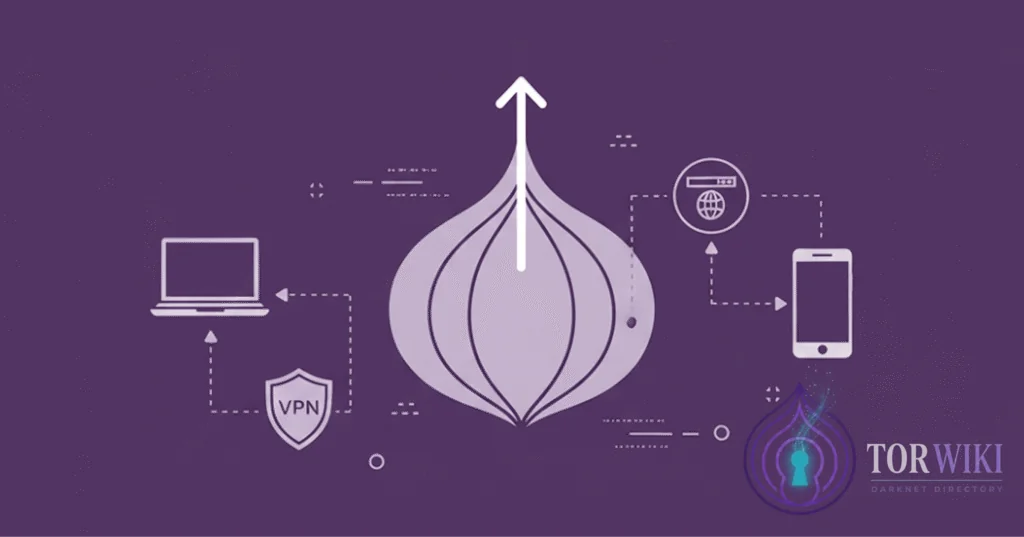
Before connecting to Tor, enable a VPN. While not strictly required, a quality VPN encrypts your traffic before it enters the Tor network, preventing your ISP from detecting that you're using Tor at all. In jurisdictions where Tor usage is flagged or monitored, this is a critical first defense layer. Key features to evaluate:
- Strict no-logs policy — verified through independent audits (PricewaterhouseCoopers, Deloitte, Cure53). Marketing claims alone are insufficient.
- Kill switch — automatically blocks all traffic if the VPN connection drops, preventing your real IP from being exposed to the Tor entry node.
- DNS and WebRTC leak protection — ensures no DNS queries
bypass the VPN tunnel. Test with
ipleak.netbefore every Tor session. - Paid service — free VPNs typically monetize through logging and selling user data, fundamentally contradicting the purpose of anonymous browsing.
- Jurisdiction — favor providers outside Five Eyes intelligence-sharing nations (US, UK, Canada, Australia, New Zealand). Switzerland, Panama, and the British Virgin Islands are common choices.
Tor-over-VPN vs VPN-over-Tor
| Configuration | How It Works | Who Sees What | Best For |
|---|---|---|---|
| Tor-over-VPN (recommended) | VPN first → then Tor | ISP sees VPN traffic. VPN provider sees you connecting to Tor but not what you do. Tor entry node sees VPN IP, not your real IP. | Most users. Hides Tor usage from ISP. |
| VPN-over-Tor | Tor first → then VPN | ISP sees Tor usage. VPN sees Tor exit traffic. Destination sites see VPN IP. | Rare use cases only. Complex setup. Loses some Tor anonymity benefits. |
Expert recommendation: Always use Tor-over-VPN. Connect your VPN first, verify there are no IP leaks, then launch Tor Browser. Never reverse this order.
Step 2: Download Tor Browser
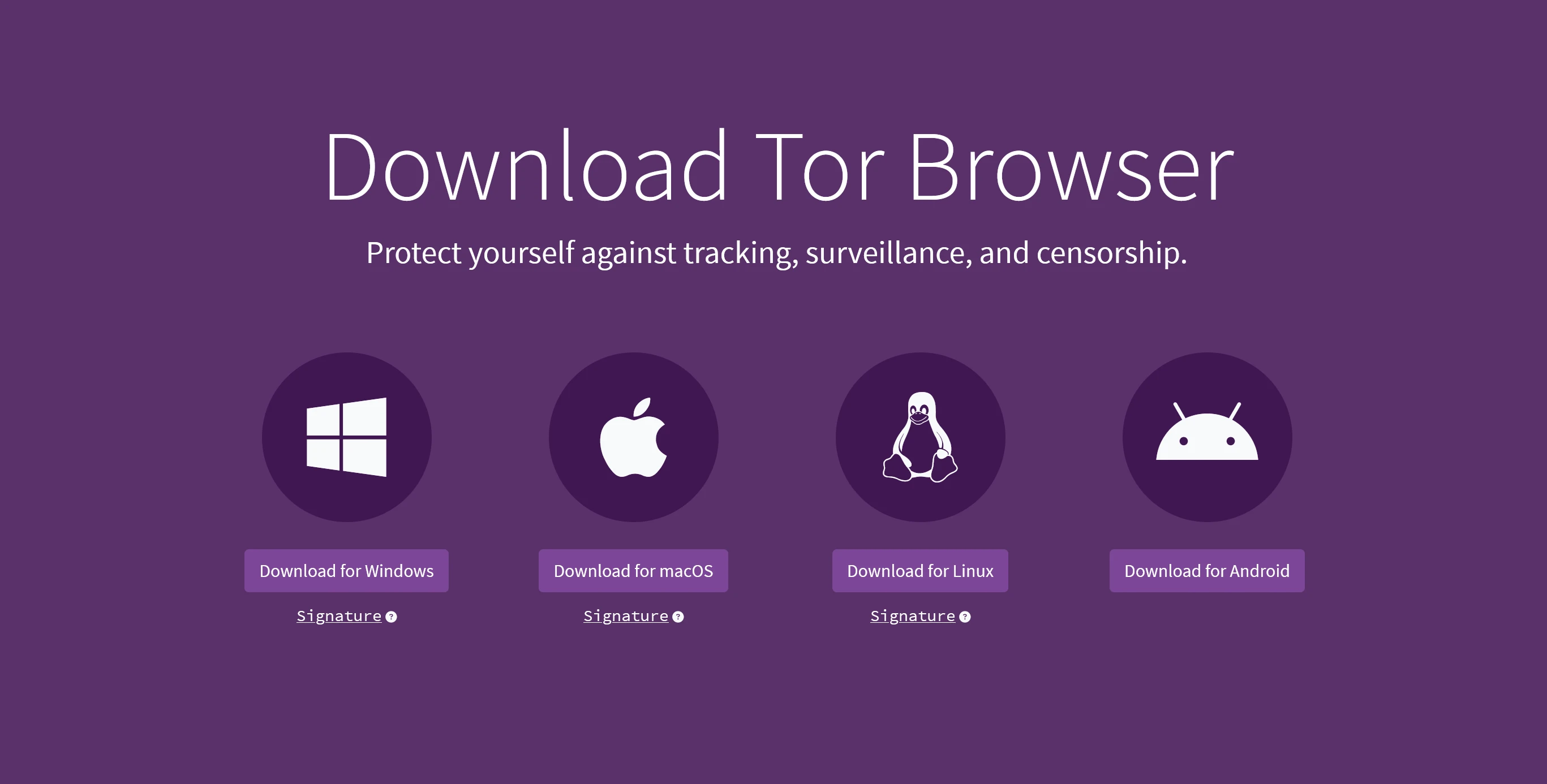
The Tor Browser is built on Firefox ESR and purpose-engineered for anonymous browsing.
Download it exclusively from the official Tor Project website
(torproject.org). Malicious clones exist specifically
to steal credentials,
inject tracking, and install spyware — they are actively distributed through
SEO-poisoned search results and phishing links in forums.
Verifying Your Download
After downloading, verify the file's GPG signature to ensure it hasn't been tampered with. The Tor Project publishes signatures for every release:
- Download the
.ascsignature file alongside the browser installer - Import the Tor Browser Developers signing key:
gpg --auto-key-locate nodefault,wkd --locate-keys torbrowser@torproject.org - Verify the signature:
gpg --verify tor-browser-*.asc tor-browser-*.tar.xz - Confirm the output shows "Good signature"
Never skip verification. A compromised Tor Browser is worse than no Tor Browser — it provides a false sense of security while actively deanonymizing you.
Step 3: Configure & Start Browsing
With your VPN connected and Tor Browser installed, configure the security settings before your first session:
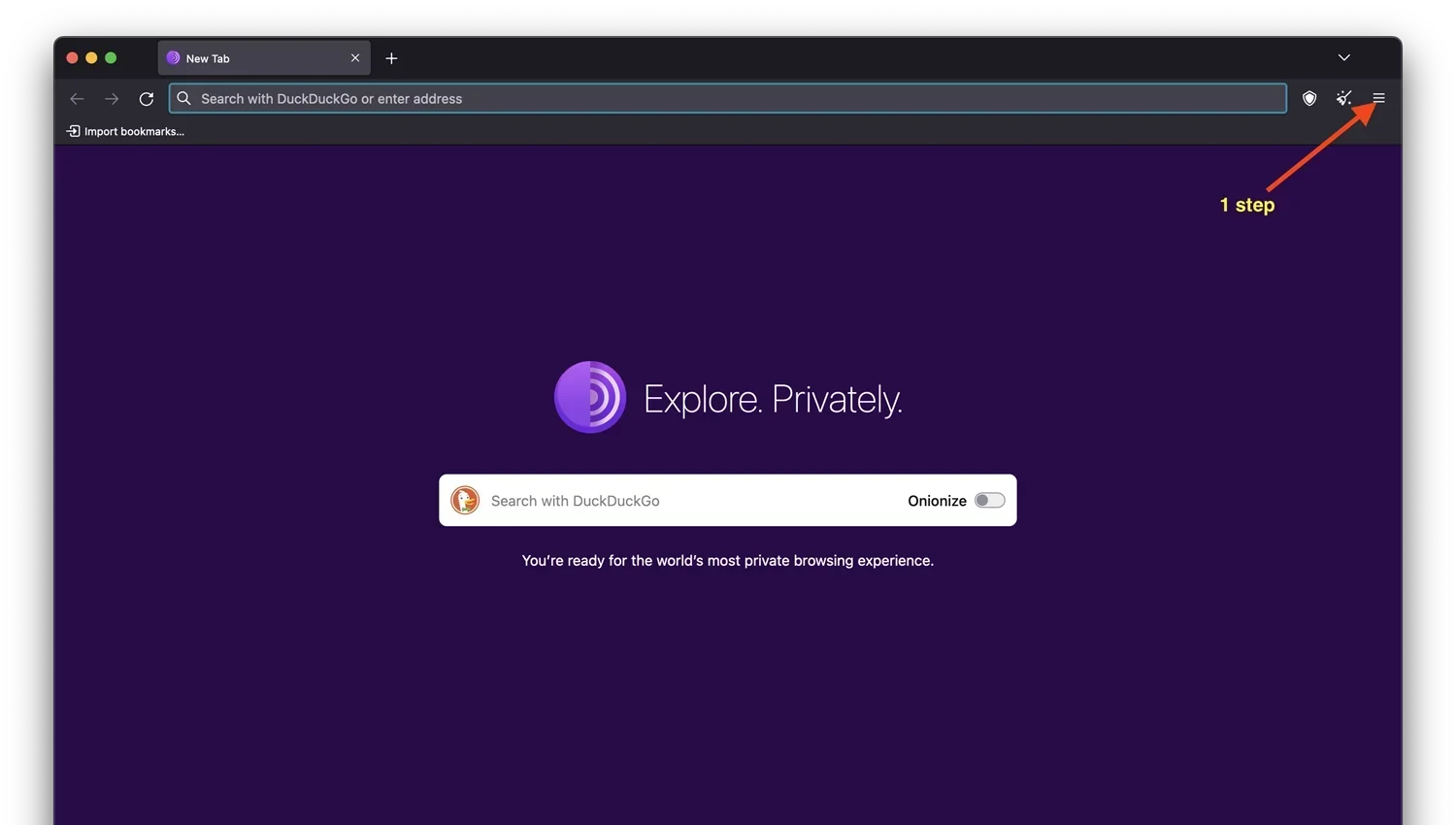
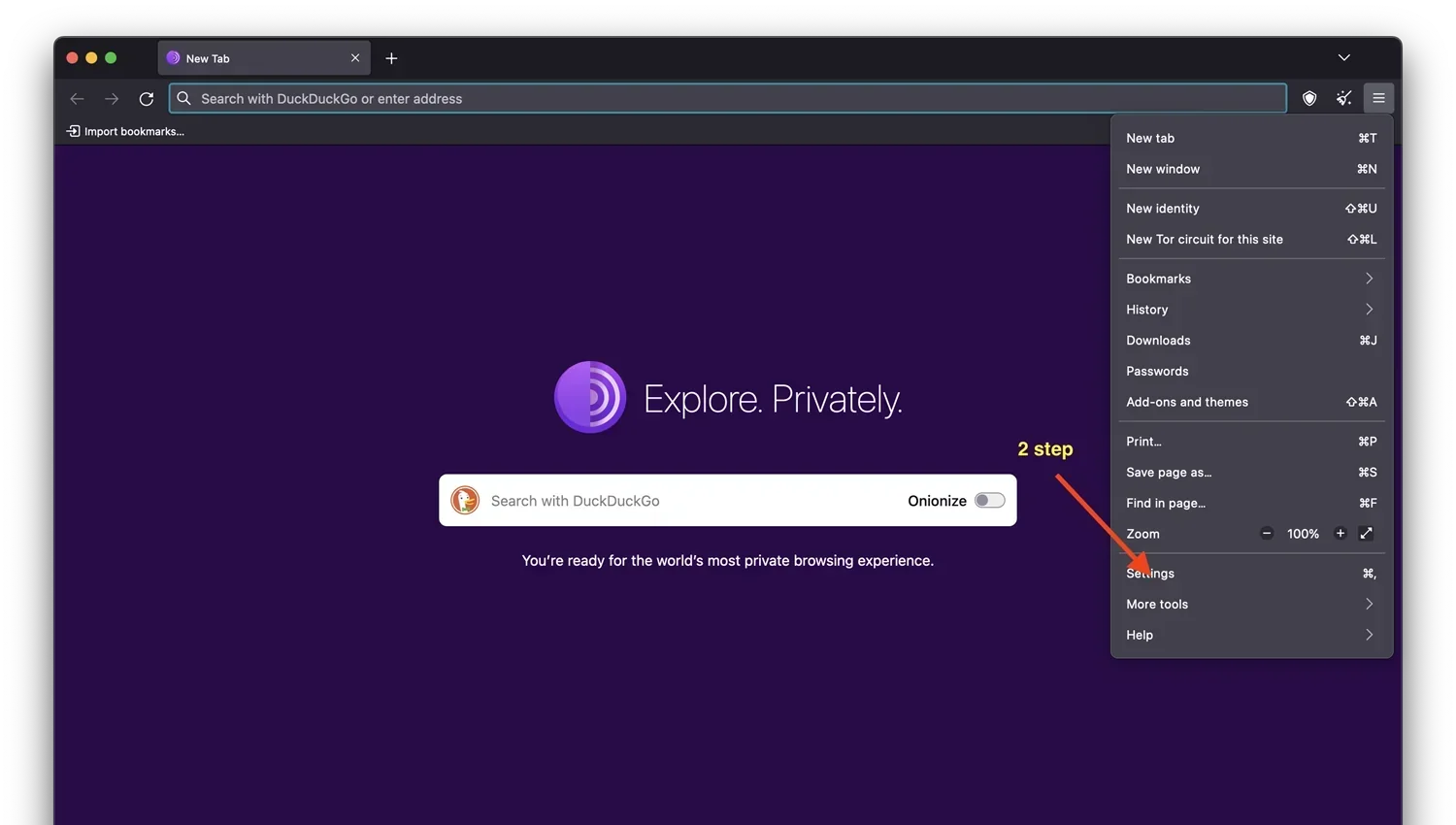
- Set security level to "Safest" — this disables JavaScript entirely, preventing browser-based exploits that can deanonymize users. Some sites may not function, but this is the price of security.
- Verify VPN is active before opening Tor — check for DNS leaks
at
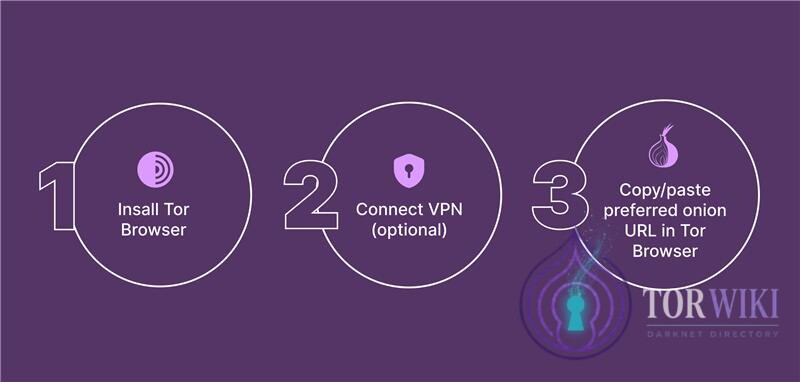
ipleak.net - Click "Connect" in Tor Browser — the first connection takes 5–30 seconds as the browser builds a circuit through three relays
- Enter the .onion URL you want to visit in the address bar
- If you don't have a specific URL, use verified directories like TorWiki, Dark.fail, or Tor.taxi to find links. Never trust a single source — cross-reference.
.onion addresses consist of 56 random characters (e.g.,
torzon4kv5...5iyd.onion) — they are designed for cryptographic
verification, not human readability. Bookmark verified addresses immediately.
How Tor Circuits Work
Understanding Tor's relay architecture is essential for assessing your threat model. Every Tor connection routes through three relays:
| Relay | Role | What It Knows |
|---|---|---|
| Guard (Entry) Node | First relay — receives your connection | Knows your IP (or VPN IP) but not what site you're visiting or what data you send |
| Middle Node | Intermediate relay — passes encrypted data | Knows neither your IP nor your destination. Sees only encrypted traffic between guard and exit. |
| Exit Node | Final relay — connects to the destination | Knows the destination site but not your real IP. Can see unencrypted traffic (HTTP) — use HTTPS or .onion sites. |
Why this matters: No single relay has enough information to connect your identity to your activity. The guard node knows who you are but not what you're doing. The exit node knows what you're accessing but not who you are. This is the fundamental security guarantee of the Tor network. A VPN adds a fourth layer before the guard node, ensuring only the VPN provider's IP is exposed to the entry relay.
Bridges & Censorship Circumvention
In countries where Tor is actively blocked (China, Iran, Russia, Belarus, Turkmenistan), bridges are unlisted Tor entry points that bypass censorship. Bridges are not included in the public Tor relay directory, making them invisible to network filters.
Bridge Types
| Type | How It Works | Best For |
|---|---|---|
| obfs4 | Obfuscates Tor traffic to look like random noise | Most censored environments — the default recommendation |
| meek-azure | Disguises Tor traffic as Microsoft Azure HTTPS traffic | Environments where obfs4 is also blocked (China's Great Firewall) |
| Snowflake | Uses WebRTC peer connections through volunteer proxies | Environments with deep packet inspection — traffic looks like video calls |
To request bridges: use the built-in Tor Browser bridge request feature, email
bridges@torproject.org, or visit bridges.torproject.org from a
non-censored connection.
Surface Web vs Deep Web vs Dark Web
| Layer | Size | Access | Examples |
|---|---|---|---|
| Surface Web | ~5% | Standard browsers, indexed by search engines | Google, YouTube, Wikipedia, news sites |
| Deep Web | ~90% | Login/authentication required, not indexed | Bank accounts, email, medical records, paywalled content |
| Dark Web | ~5% | Tor Browser required, .onion addresses | Marketplaces, forums, hidden services, whistleblower platforms |
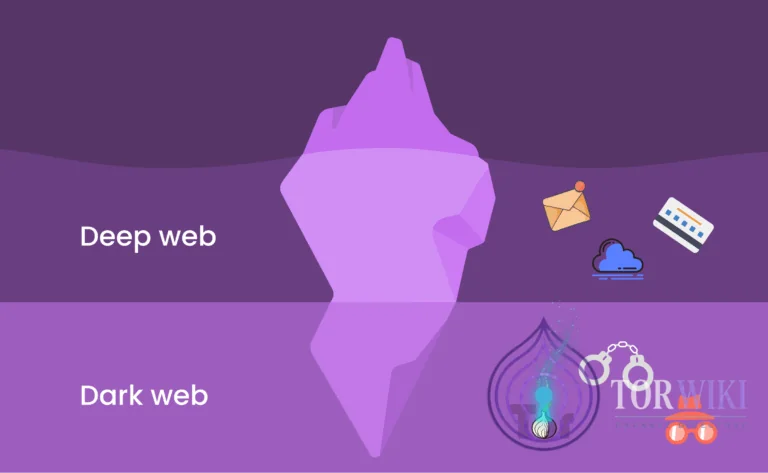
The deep web is not inherently illegal or dangerous — it simply refers to content behind authentication walls, and deep web links are part of everyday internet infrastructure. The dark web is a subset of the deep web that requires specialized software. On the dark web, both legitimate privacy services (SecureDrop, ProtonMail) and illegal marketplaces coexist. Understanding dark web safety is essential before proceeding further.
Is the Dark Web Illegal?
Accessing the dark web is legal in most jurisdictions. The legality concerns arise from what you do on the dark web, not from visiting it. Using Tor Browser is legal everywhere except a handful of authoritarian states that explicitly ban circumvention tools. Law enforcement agencies actively monitor dark web platforms, but simply browsing does not constitute a criminal act. Engaging in illegal transactions, however, carries severe legal consequences — darknet market enforcement operations like Operation DEEP Sentinel have resulted in hundreds of arrests worldwide.
Advanced: Tails OS
Tails (The Amnesic Incognito Live System) is a privacy-focused operating system that boots from a USB drive and routes all system traffic through Tor by default. When you shut down Tails, it wipes all RAM contents, leaving zero forensic trace on the host machine. This is the gold standard for anonymous computing.
Setup Checklist
- Download Tails from
tails.net— verify the GPG signature - Flash to USB using balenaEtcher or the Tails Installer (minimum 8GB USB 3.0)
- Boot from USB — change BIOS boot order to prioritize USB before internal drive
- Optional: Create persistent storage — encrypted partition on the USB for bookmarks, PGP keys, and wallet files. Protected by a strong passphrase.
- Connect to Tor — Tails routes everything through Tor automatically. No VPN needed (Tails is engineered to not leak any traffic outside Tor).
Key limitation: Tails does not support persistent software installation outside the curated package list. This is by design — it prevents users from inadvertently installing software that could compromise anonymity.
Advanced: Whonix
Whonix is a desktop operating system designed for advanced privacy, running inside a virtual machine. It uses a two-VM architecture: a Gateway VM (handles all Tor routing) and a Workstation VM (where you browse). Even if the workstation is fully compromised by malware, your real IP address cannot leak — the Gateway VM enforces Tor routing at the network layer, making IP leaks architecturally impossible.
| Feature | Tails | Whonix |
|---|---|---|
| Installation | USB boot — no host OS changes | VirtualBox/KVM — runs inside existing OS |
| Persistence | Optional encrypted volume | Full persistent desktop environment |
| IP leak protection | Tor-only routing via system design | Gateway VM enforces — workstation isolated |
| Software flexibility | Limited — curated packages only | Full Debian-based — install anything |
| Best for | Temporary sessions, zero-trace computing | Sustained use, development, complex workflows |
For maximum security, Whonix can be run inside Qubes OS — a security-oriented operating system that isolates every application in its own virtual machine. The Qubes-Whonix combination represents the highest practical OPSEC configuration available to individual users.
Essential Dark Web Tools
Search Engines
Standard search engines cannot index .onion sites. Use specialized dark web search engines:
- DuckDuckGo — privacy-focused, indexes some .onion content, the default search engine in Tor Browser
- Ahmia — the most comprehensive Tor search engine, filters illegal content from results
- Torch — one of the oldest dark web search engines, large index but less curated
- Haystack — claims to index more .onion pages than any competitor
Verified Directories
Directories like TorWiki, Dark.fail, and Tor.taxi curate and verify .onion links. Always cross-reference links across multiple independent directories before visiting. PGP-signed link lists provide cryptographic verification that links have not been tampered with.
Device-Specific Access
- Windows/Mac: VPN → Tor Browser → browse. The simplest configuration. Ensure no other applications are running.
- Linux: VPN → Tor Browser, or boot directly into Tails/Whonix for maximum isolation
- iOS: Use Onion Browser from the App Store. WebKit limitations apply — Apple forces all iOS browsers to use WebKit, which limits some Tor privacy protections. Not recommended for high-threat-model use.
- Android: Use the official Tor Browser from Google Play or F-Droid. Orbot provides system-wide Tor routing.
- Tails OS: Boot from USB — all traffic routed through Tor by default, no persistent data unless explicitly configured with encrypted storage.
Common Mistakes to Avoid
These errors are responsible for the majority of dark web deanonymization incidents:
| Mistake | Why It's Dangerous | Mitigation |
|---|---|---|
| Maximizing browser window | Screen resolution reveals unique device fingerprint | Always use default Tor Browser window size |
| Logging into personal accounts | Instantly links anonymous session to real identity | Never access personal email, social media, or banking from Tor |
| Downloading files | Files opened outside Tor can connect to your real IP and leak metadata | Only download to Tails. Use MAT2 to strip metadata before any upload. |
| Enabling JavaScript | Browser exploits can execute code that reveals real IP | Keep Tor security level at "Safest" (JS disabled) |
| Using the same username | OSINT tools connect "anonymous" handles to real identities | Generate unique usernames for every platform |
| Trusting a single link source | Phishing clones are indistinguishable from real sites | Cross-verify .onion URLs from 3+ independent sources |
Troubleshooting
"Tor is slow"
Latency is inherent to multi-relay routing. Each circuit adds 3+ hops. Mitigations: select a closer VPN server, avoid bridges unless necessary (bridges add latency), use the "New Circuit" button to try a faster route, and avoid downloading large files.
"Site won't load"
Common causes: the .onion address is offline (markets experience frequent DDoS attacks), the address has changed (markets rotate mirrors), or the v3 onion address has expired. Solution: check alternative mirrors on verified directories like TorWiki or Dark.fail.
"CAPTCHA loops"
Some sites require JavaScript for their CAPTCHA systems, creating a conflict with "Safest" security settings. You may need to temporarily switch to "Safer" (allows some JavaScript) for login, then return to "Safest" after authentication. Evaluate the tradeoff carefully based on your threat model.
"Connection blocked"
Your ISP or network may be blocking Tor. Solution: use bridges (obfs4 first, meek-azure if obfs4 is also blocked). If on a managed network (corporate, university), Snowflake bridges often bypass deep packet inspection by disguising traffic as WebRTC.
Safety Best Practices
- Define your purpose — don't browse aimlessly. Every click expands your digital footprint.
- Use a quality VPN — paid, no-logs, with kill switch and DNS leak protection.
- Close all other applications before launching Tor — reduce attack surface and prevent accidental data leaks.
- Use only the official Tor Browser — downloaded from
torproject.organd GPG-verified. - Set security to "Safest" — disables JavaScript, reducing browser exploit risk.
- Check for IP leaks using
ipleak.netbefore every browsing session. - Cross-verify .onion links from TorWiki, Dark.fail, and Dread before visiting.
- Never use real identity data — no real names, no personal email, no identifiable information.
- Don't download files unless absolutely necessary — and never open them outside Tails OS.
- Use Tails or Whonix for sustained or sensitive activity — standard OS provides insufficient isolation.
Legitimate Uses of the Dark Web
The dark web serves essential functions beyond its reputation for illegal marketplaces:
- Journalistic protection: Reporters use Tor to communicate with sources in authoritarian regimes and bypass surveillance. The New York Times, Washington Post, BBC, and ProPublica all operate SecureDrop .onion instances.
- Whistleblowing: SecureDrop enables anonymous tips to newsrooms, protected by Tor's anonymity guarantees. Edward Snowden communicated with journalists through Tor-protected channels.
- Censorship bypass: Citizens in China, Iran, Russia, and other censored states use Tor to access uncensored news, social media, and communication platforms blocked by their governments.
- Privacy research: Security researchers study malware, vulnerabilities, and threat actors operating on dark web forums and marketplaces.
- Secure communications: Privacy-focused email services (ProtonMail), messaging platforms (Session), and collaboration tools operate .onion endpoints.
- Political activism: Dissidents in authoritarian states use Tor to organize, communicate, and share documentation of human rights abuses without state surveillance.